
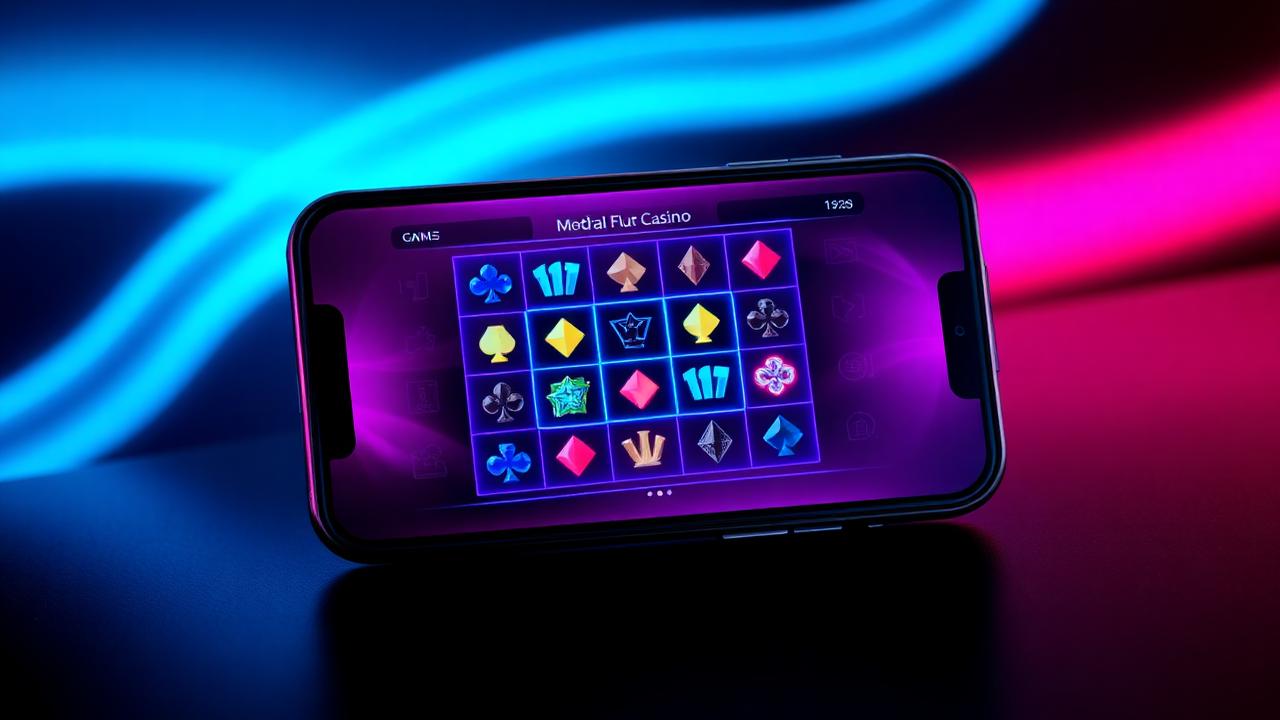
The SpinBlitz mobile experience is a true progressive web app, not a stripped-down web page squeezed into a phone view. That means the moment you add it to your home screen on iOS or Android, it behaves like a downloaded native app. Full-screen play, biometric login, push notifications, offline lobby caching and a fully responsive layout designed for touch input. There is no app store download to manage, no forced updates and no version number to chase. SpinBlitz simply updates itself in the background between sessions.
How do I install the SpinBlitz app on my phone?
On iPhone, open SpinBlitz in Safari, tap the Share button at the bottom of the screen and choose Add to Home Screen. The SpinBlitz icon appears on your home screen immediately and behaves exactly like a downloaded app from that point. On Android, open SpinBlitz in Chrome, tap the menu in the top-right corner and choose Add to Home Screen. Both routes take under thirty seconds and require no app store account, no payment method on file and no review.
The reason we ship as a progressive web app rather than a native binary is twofold. First, the App Store and Google Play both restrict real-money and sweepstakes content, which would force unnecessary feature compromises on the experience. Second, a progressive web app means we can roll out improvements the same day we ship them rather than waiting on store review queues. You get the same speed and polish without either downside.
What features does the SpinBlitz app support that the desktop site does not?
The mobile app adds a handful of features that only make sense on a phone. Biometric login uses Face ID, Touch ID or Android biometrics to sign you in instantly rather than asking for a password. Push notifications send optional alerts when a tournament finishes, when a redemption is approved or when your daily login drop is ready to claim. Offline lobby caching keeps the menu and your favourites available even when you lose signal mid-commute, with games resuming the moment connectivity returns.
Beyond that the experience is identical to desktop. Every game runs the same mathematical model, every leaderboard counts the same way, every Sweeps Coin redemption follows the same review path. Your balance, active tournaments, daily drop streak and saved Favourites all sync instantly across phone, tablet and desktop. You can start a session on the train, continue on a laptop at lunch and pick up again on a tablet at home without losing your place.

What devices and operating systems does the SpinBlitz app support?
On Apple devices the app supports any iPhone or iPad running iOS 15 or newer through Safari. That covers the iPhone 8 onward, every iPad Pro since 2018, the iPad Air 3 and later, the iPad mini 5 and later and the standard iPad from the seventh generation onward. On Android the app supports any device running Android 10 or newer through Chrome, Edge or Samsung Internet. Older devices may still work but we cannot guarantee full feature parity.
Desktop browsers are first-class citizens too. Chrome, Edge, Firefox and Safari on macOS and Windows are all officially supported. We do not currently support Internet Explorer or any browsers based on the original Trident engine. If you run a less common browser and hit any issue, the Get Help team can usually walk you through a workaround within a single chat session.
Is the SpinBlitz app safe to install and free of in-app purchases bloat?
Because SpinBlitz installs as a progressive web app, there is no separate binary running on your device with the kind of background permissions a typical native app asks for. The install adds nothing more than a home-screen shortcut backed by the same web page you visit in your browser, which means no extra storage usage, no battery drain when the app is closed and no access to contacts, photos or microphone unless you explicitly grant it for a feature like push notifications.
All purchases inside SpinBlitz go through the same secure cashier as desktop. Apple Pay and Google Pay are supported alongside Interac, cards and the usual list of payment methods. Purchase limits set on your account apply identically across mobile and desktop, so there is no gap where a stricter cap could be bypassed by switching device. Cancel a recurring purchase at any time from the cashier without needing to contact support.